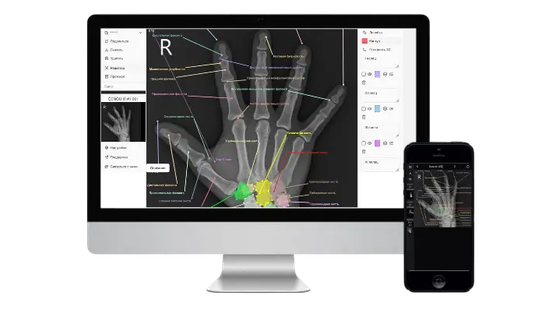
How to Open DICOM Files Online
1/5/2026
Choose storage

Select account storage to save the project in your personal cloud space - the project will become anonymous and accessible from any device. Or choose local storage - the project will be saved only in your browser.
Upload files or folder
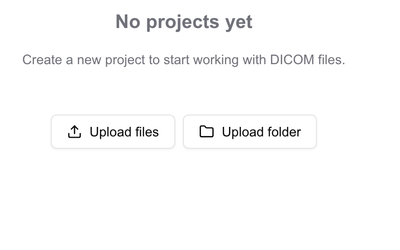
Drag and drop your DICOM files or ZIP archives into the upload area or select them manually using the 'Upload Files' button. To upload an entire folder, use the 'Upload Folder' button.
Done!
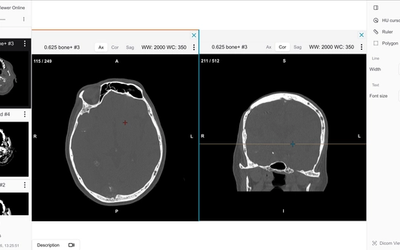
After uploading the files, you'll be able to view and analyze medical images directly in your browser. Use the viewing tools to navigate through slices, adjust contrast, and create annotations.
Frequently Asked Questions
Yes, all files are processed securely in your browser. Data is not sent to our servers unless you explicitly choose cloud storage.
We support all standard DICOM formats, ZIP archives, and JSON exports from our web viewer.
No installation required. Our DICOM viewer works directly in your web browser.
Yes, you can create secure sharing links or QR codes for easy collaboration with colleagues.